CStories
CStories is a component cataloging solution for Compose Multiplatform.
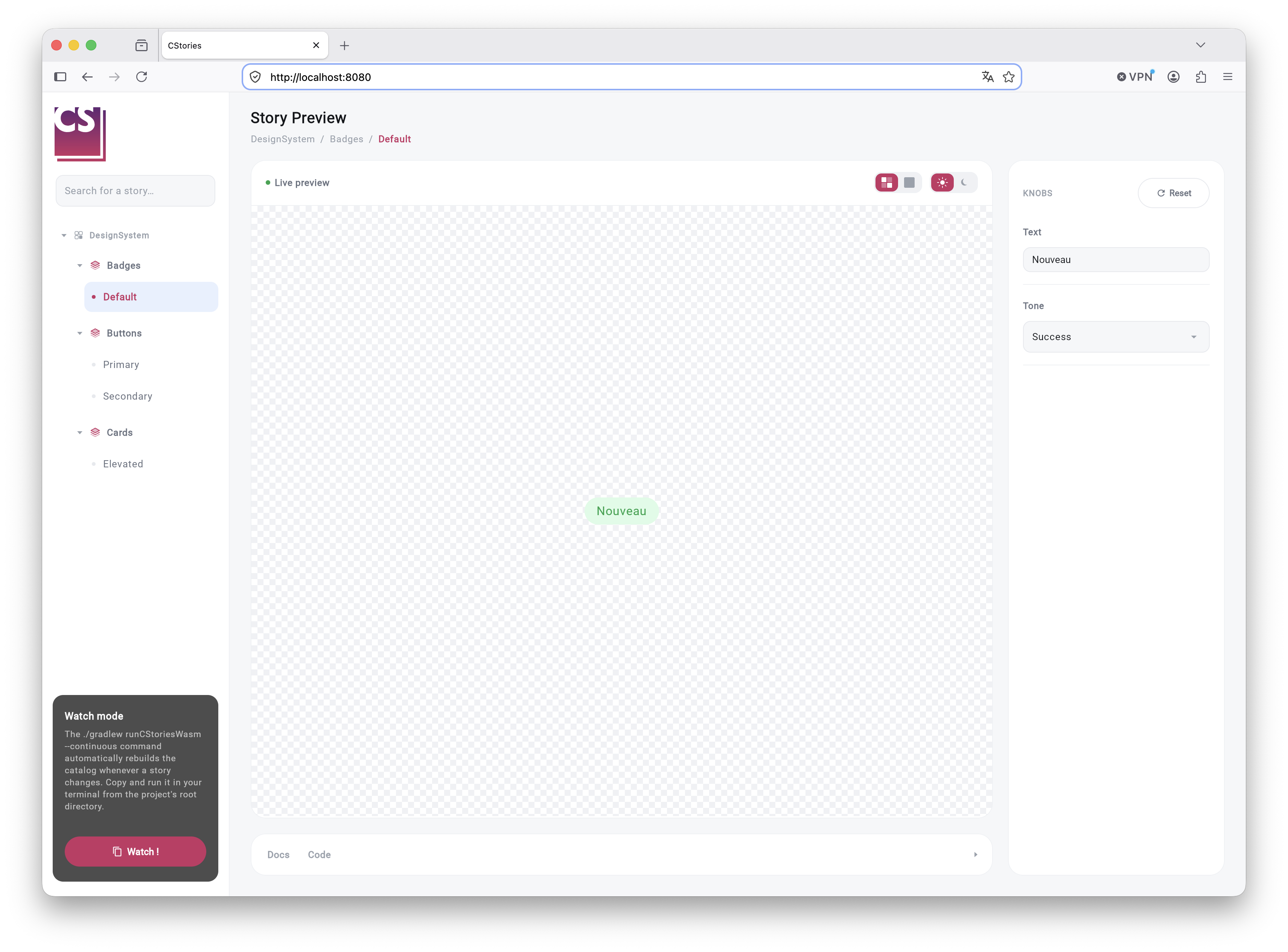
Designed for teams building and maintaining a design system, CStories lets you centralize UI demonstrations in a dedicated catalog, inspired by the workflow popularized by Storybook, while respecting the constraints specific to the Kotlin Multiplatform ecosystem.
The approach behind CStories is simple: components stay independent, and demonstrations are written in dedicated
stories. The catalog is then automatically generated from these stories and can run as a desktop app (jvm) or in
the browser (wasmJs), depending on the targets declared by the consumer module.
What the project does
CStories gives Compose Multiplatform developers a simple framework to:
- build a navigable catalog of components
- isolate components in dedicated stories
- organize demonstrations by collection, group, and name
- speed up iteration on UI components
- lay a clean foundation for the visual documentation of a design system
The core principle of the solution is the following:
- design system components are never annotated directly as stories
- each story is a composable dedicated to demonstrating a component
- that story remains a plain Compose function, annotated with
@CStory
This separation keeps the design system readable, allows multiple demonstrations for the same component, and stays compatible with Kotlin/Wasm.
Where to start
- New to CStories? Start with Getting Started → Overview.
- Ready to install it? Go to Installation.
- Want a first result fast? Jump to Create your first story.
Going further
Once you're comfortable with the basics, the Guides section covers more advanced topics: multi-module setups, component references, theming, and exporting the catalog for the web. The Reference section is a quick lookup for annotations, plugins, and Gradle tasks.