Run the web catalog
The web catalog runs on the wasmJs target, in a real browser. Use it to validate how the catalog behaves on the
web, or when your module doesn't target jvm() at all.
Requirements
Declare a wasmJs target with browser() and binaries.executable():
import org.jetbrains.kotlin.gradle.ExperimentalWasmDsl

@OptIn(ExperimentalWasmDsl::class)
kotlin {
    wasmJs {
        browser()
        binaries.executable()
    }
}
Why does wasmJs need this declared explicitly?
Kotlin finalizes a wasmJs target's binary/output-file conventions as soon as the target is configured. The
CStories plugin only detects declared targets after your own kotlin { } block has run, so it can't safely
reconfigure browser()/binaries.executable() afterwards. Declaring it yourself — standard practice for any
Kotlin/Wasm app — avoids the issue entirely.
Running the catalog
./gradlew runCStoriesWasm
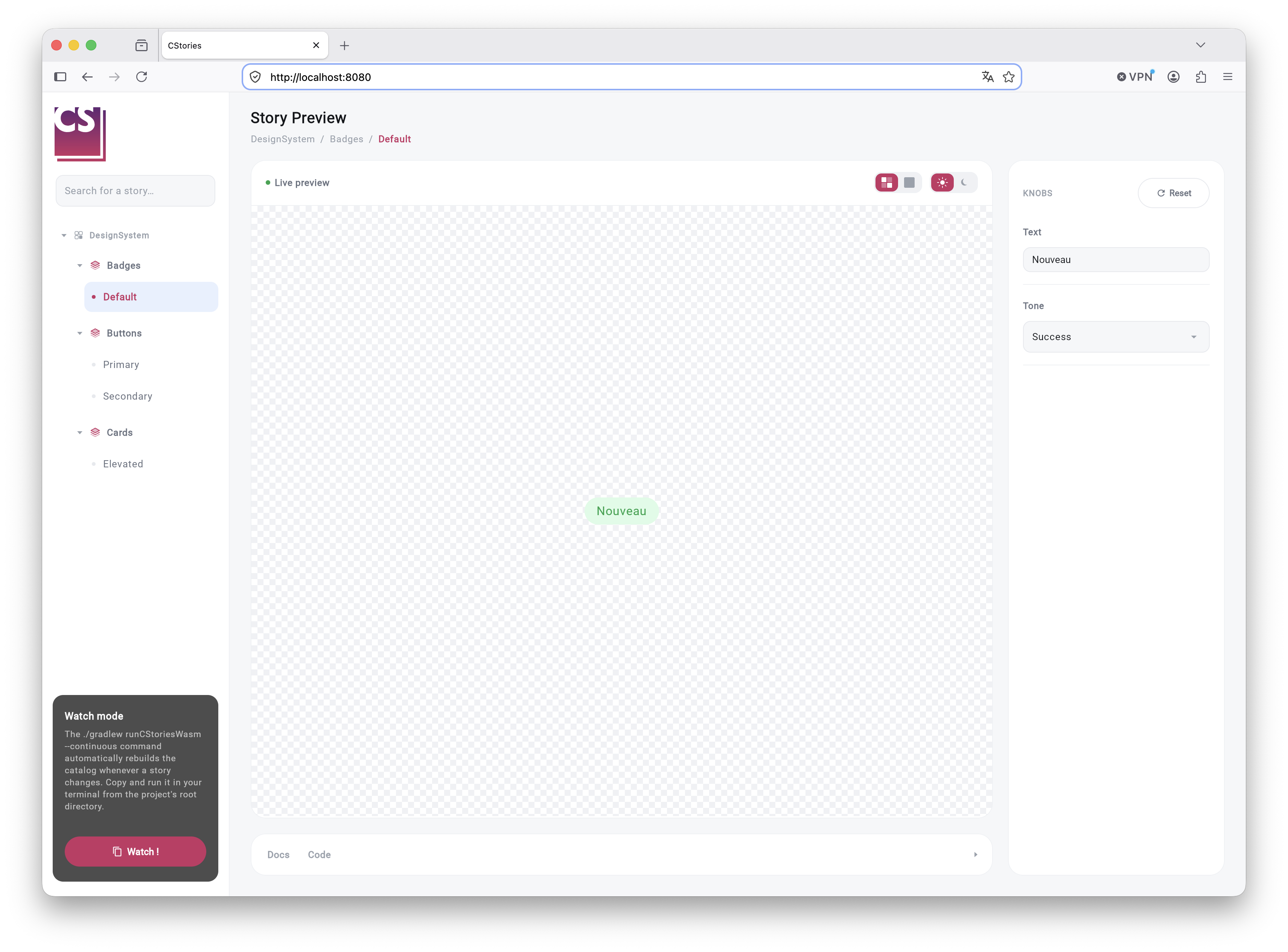
This runs the web catalog once and starts a browser dev server.
Watch mode
For active development, run it with Gradle's continuous build instead:
./gradlew runCStoriesWasm --continuous
Gradle watches the project sources and automatically recompiles the wasmJs target whenever a story or component
changes. The dev server then reloads the page in the browser.
Limitations
This is a full page reload, not a state-preserving hot reload: navigation state in the catalog (selected story, knob
values, and so on) is lost on every reload, and the reload takes a few seconds depending on project size. True hot
reload with state preservation is not currently available for the wasmJs target in the Kotlin/Compose Multiplatform
ecosystem.
For a faster local iteration loop, prefer the desktop catalog while actively working on a story, and use the web catalog to validate the web target.