Run the desktop catalog
The desktop catalog runs on the jvm() target and is the recommended way to work on stories locally: no browser, no
Wasm toolchain, and the fastest iteration loop available.
Requirements
Your module needs to declare a jvm() target:
kotlin {
    jvm()
}
Running the catalog
./gradlew runCStoriesDesktop
This opens the catalog as a desktop window.
Hot reload
For active development, use the hot reload variant instead:
./gradlew runCStoriesDesktopHotReload
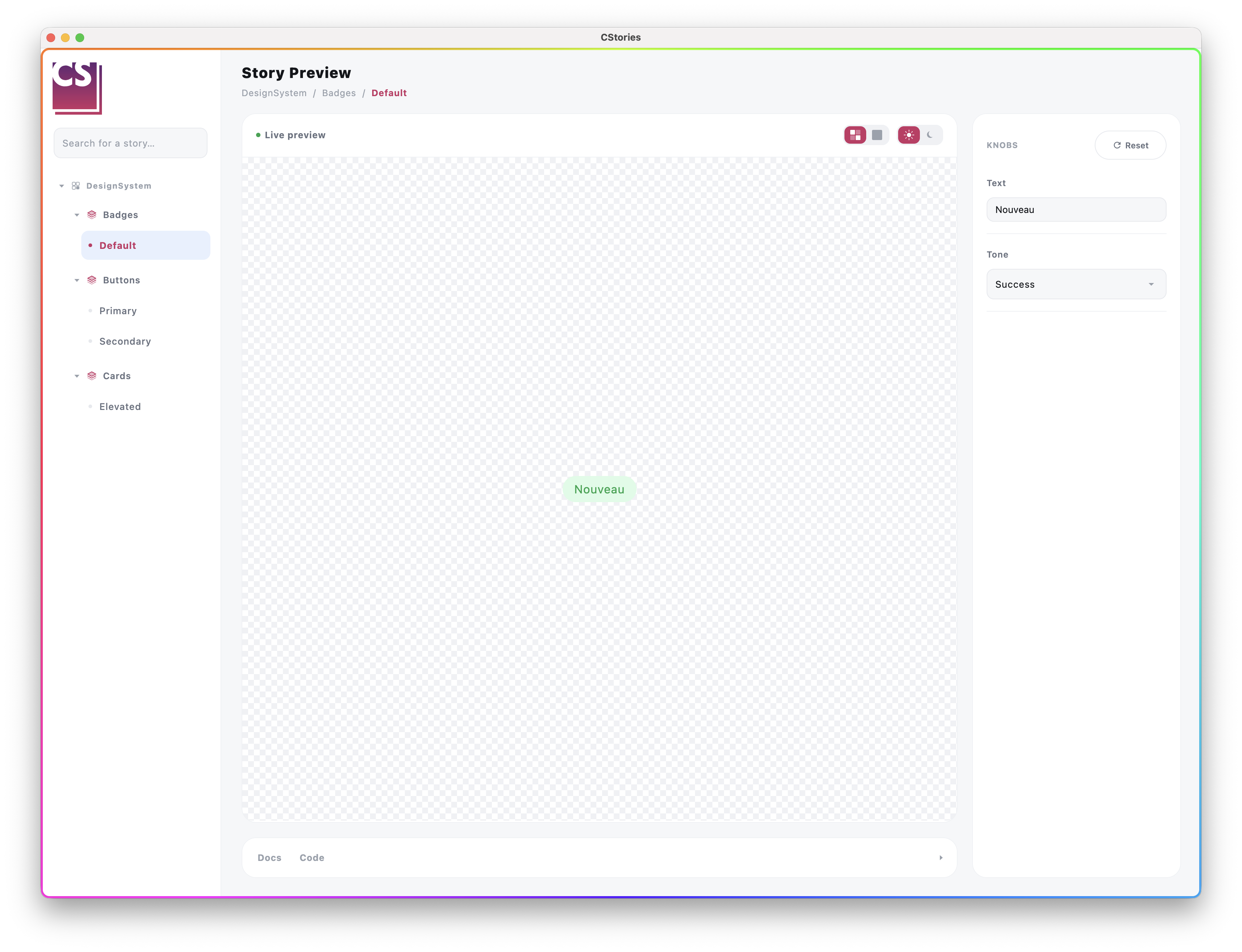
This keeps the desktop catalog running and pushes code changes into the live process, without a full restart — much faster than restarting the app after every change.
When to restart manually
The plain runCStoriesDesktop task does not support hot reload: restart it manually after changes. Prefer
runCStoriesDesktopHotReload while iterating on stories, and fall back to runCStoriesDesktop for a clean run.